 by
by PDF files are convenient formats for sharing documents because they retain the document’s formatting when viewed on different devices and operating systems. Invoices, official reports, application forms, business letters, and student assignments – just a few examples of PDF uses in everyday life.
Sometimes it may be necessary to combine several documents, make a PDF smaller, extract some pages, or even convert a pdf to another format.
Luckily, online free PDF tools can help with that. In this guide, we will discuss what PDF utilities are most useful, explain how to choose the right tool for the job, and give some additional tips for keeping documents safe.
What Are Online PDF Tools?
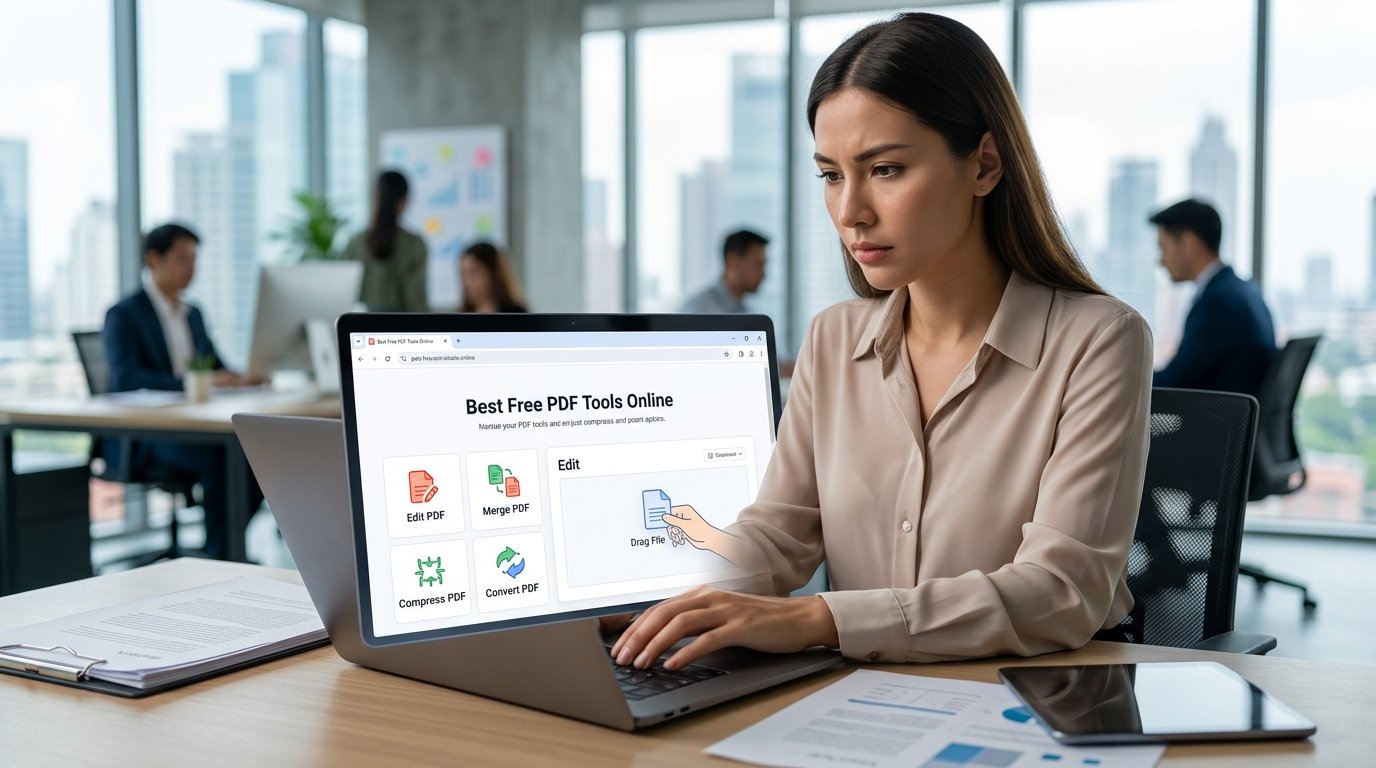
PDF tools are browser-based utilities that help with different tasks related to PDF documents. Depending on the service, online PDF tools can assist in merging files, pages, or content; compressing and reducing file size; rotating, rearranging, and deleting pages; or extracting and converting information.
Some sources combine several utilities in one application while others specialize in a particular type of processing. Usually, the most common features are available for free while advanced editing, OCR, or bulk processing require a subscription.
- Merge Multiple PDF Files
An online PDF merger is a tool that combines two or more documents into a single file. It is useful when multiple reports, chapters, scanned receipts, or application forms need to be consolidated into one PDF for submission or other purposes.
To merge files, simply upload the required documents to the selected service, set the preferred page order, and initiate the process. Once it is complete, download and review the combined document to ensure that all the pages are included and that the order is correct.
Some services allow reordering pages as well as organizing and rearranging them. Another option is to extract pages from a large document.
- Compress PDF Files Online
An online PDF compression tool reduces the file size to make it easier to send via email, upload to a server, or store somewhere. Some tools can compress PDFs further and achieve excellent results in terms of quality versus file size. It is essential, however, to review the final version of the compressed document to make sure that all text and graphics remain legible.
There are several levels of compression, so it is advisable to choose a medium option if the file contains graphics or high-quality images. A higher compression level will reduce the file size further but may produce noticeable distortions in the image.
- Convert PDF Files to Other Formats
PDF conversion tools help change the selected files to other formats, such as Word, Excel, PowerPoint, or JPG. Converting PDF to Word allows editing the document, while converting it to an image format can be useful for creating photo archives of reports, contracts, and other important papers. Similarly, it is possible to convert Word to PDF and other document types into PDF. The final appearance of the converted document depends on the initial file.
Some PDF conversion tools claim to provide exact replicas, but it is not always the case. Carefully review the converted document for any changes in size, text, images, graphs, and tables. If the file contains scanned text, it is recommended to choose a tool that offers an OCR feature. OCR recognizes text in graphic files and converts it into a text format. As with any other tool, it is necessary to review the converted document before submitting it or using it for another purpose.
- Split PDF Documents
An online PDF splitter helps split a large document into smaller parts or separate pages. For example, it is useful when only one chapter of a textbook needs to be sent by email instead of the entire book. The service allows extracting specific pages, deleting unnecessary ones, or dividing the document into several smaller files.
Depending on the selected utility, it is possible to specify the exact pages to be split or select a certain range. Before splitting a large PDF, make sure that the necessary pages are selected to avoid losing any data. This is especially important for official documents, reports, and other important files. The split document can then be reviewed to ensure that all the necessary pages have been transferred.
- Edit and Annotate PDF Files
Annotation tools allow adding comments and notes to a document, highlighting some sentences or words, creating shapes and arrows, and adding text boxes. They are usually used for student assignments or for providing feedback on a document. In this case, it is important to understand the difference between annotation and editing.
Essentially, it is possible to annotate without being able to edit the document. In other words, it is possible to add notes and highlight some words without being able to change the text itself. Therefore, if it is necessary to edit a document, it is important to make sure that the tool allows it and not confuse it with annotation functions. Another option is to use a tool that offers both options.
Usually, such tools require a subscription to access advanced functions such as commenting, editing, and electronic signatures. Nevertheless, commenting on a document can be a secure way to provide feedback or suggestions.
- Rotate and Reorder PDF Pages
Sometimes scanned documents have pages in the wrong orientation. An online page rotator helps fix this issue by allowing users to turn pages 90 degrees clockwise, counterclockwise, or upside down. In addition, the tool allows for reorganizing and deleting pages within a document. This is useful for scanning receipts or other documents and combining them into one file in the correct order.
It is always a good idea to review the document to make sure that all the pages are in the right place and in the correct orientation.
How to Choose a Reliable PDF Tool
When selecting a tool, there are several things to consider.
Firstly, it is advisable to find out whether the files are processed on a remote server and whether personal data is stored there as well. It is important to make sure that the documents are kept confidential and that they are deleted automatically after a certain period of time. The ability to control files is essential, especially when dealing with confidential information.
It is also necessary to pay attention to the restrictions, if any, on file size or the number of files that can be processed at once. Another important factor is the quality of the output file. Free online tools sometimes sacrifice quality for a smaller size, so it is important to make sure that the converted document looks the same as the original.
Lastly, it is worth considering the interface of the selected service. A tool with a user-friendly interface saves time and reduces the risk of errors.
Free versus Paid Tools
Some functions may not be available unless a user subscribes to a particular service. In this regard, it is essential to choose the tool based on the required function and make sure that it is available for free or that the subscription is within the budget. Another thing to consider is platform availability, i.e., whether the tools work on all operating systems or are available only on desktop or mobile.
Are free PDF tools safe?
Although free tools are usually convenient and time-saving, the documents processed through them may contain private information, such as addresses, credit card numbers, signatures, and many other data. Before using any such service, it is worth finding out whether the tool protects user privacy and how exactly their information is stored and secured. For confidential information, such as official documents, financial reports, or application forms, it is worth investing in a quality software solution that runs on a local machine rather than online.
It is important to note that any software programs should only be downloaded from official websites or other reputable sources. At the same time, it is necessary to be wary of deceptive pop-ups offering to download a particular program, suspicious download managers, and applications that require installing additional programs and grant excessive permissions.
Frequently Asked Questions
What is the best free PDF tool online?
The choice of the tool depends on the task: to combine files, compress, or convert them. Each tool has its own utility, and the most convenient option should be selected for a particular task.
Can I edit a PDF without installing software?
Yes, there are browser-based utilities that allow you to conveniently edit and annotate documents without additional software. This feature is especially useful for people who do not have the technical skills to install and set up new programs.
How can I reduce PDF file size?
To do this, use a tool that can compress the file. Usually, the compression level can be regulated: the higher the level, the smaller the file size. It is important to make sure that the text and graphics are still clear and legible after compression.
Is it possible to convert a scanned PDF into printable text?
This is possible if the tool has an OCR function. The quality of the converted text depends on several factors: the quality of the image, the font in which the text is written, and the overall layout of the document.
How safe are free PDF converters?
Depending on the specific converter, security is maintained to varying degrees. Therefore, it is important to study the security and privacy policy of a particular service and make sure that the documents uploaded to the service are kept confidential.
Conclusion
The best free PDF tools online can help to combine, split, reorder, rotate, compress, and convert documents with ease. The choice of the tool depends on the task, document quality, privacy, and other features. Always make sure that the final version of the document meets all requirements and use only trusted services to keep your information secure.
For more guides related to software applications, visit Fluxusdownload.com.