 by
by If you new to Roblox scripting tools then you may have heard of the term ‘Fluxus Script Hub & Library’ while searching for ways to learn, study or discover how script libraries work. It can be challenging to navigate the differences between the various websites which use similar terms and offer differing services.
This beginner’s guide covers what typically constitutes a Fluxus Script Hub and library, how to use script libraries and check scripts before use, and what safety precautions to take. Whether you want to learn about Lua scripting or discover how Roblox scripts are organized this guide can help you to learn the basics.
Important: The Fluxus name is associated with third-party Roblox script-execution tools. Availability, compatibility and the legitimacy of a website that claims to offer a Fluxus download may vary. Always verify sources and avoid tools that ask for unnecessary permissions or credentials.
What Is Fluxus Script Hub & Library?
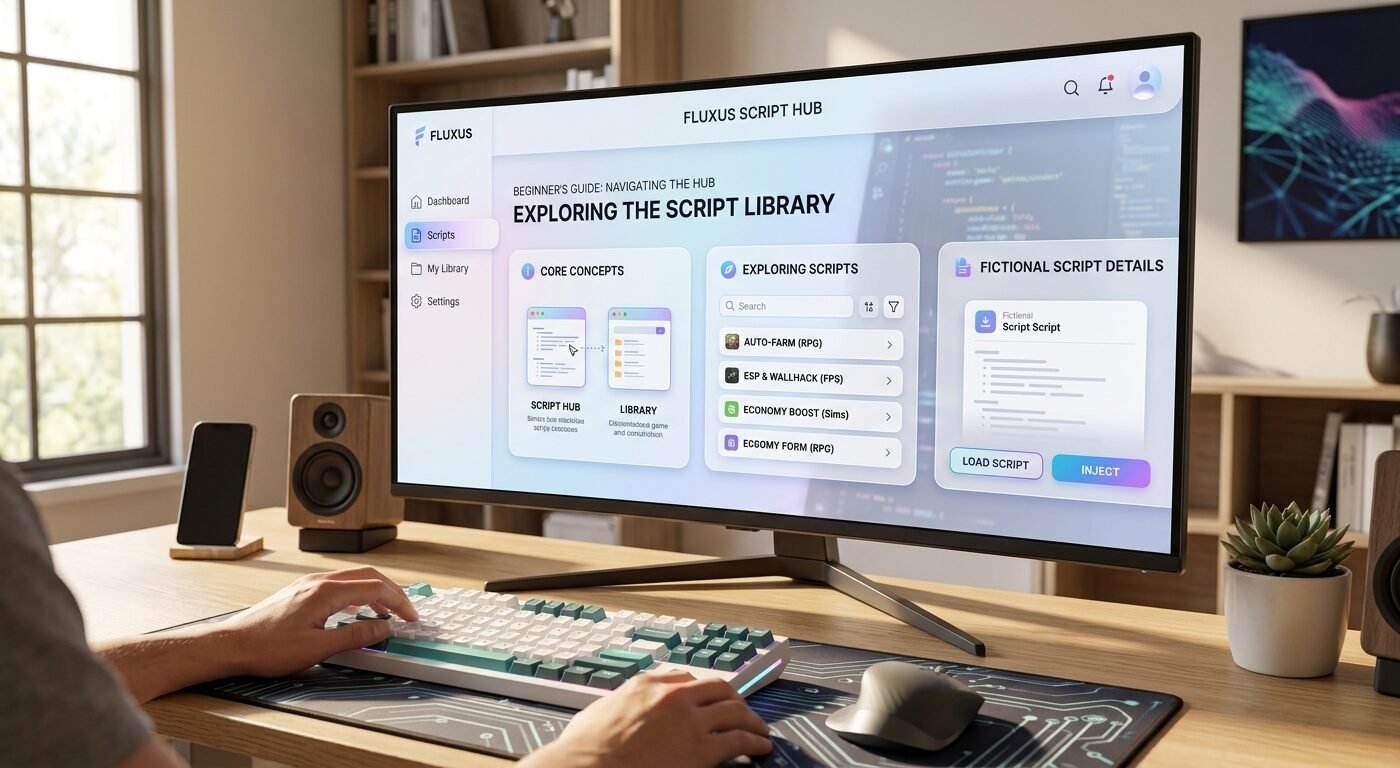
A Fluxus Script Hub generally refers to a collection or interface that organizes scripts into categories which may make them easier to browse and locate. A script library, on the other hand, is a collection of reusable code designed to perform a particular function.
In the context of Roblox, Roblox scripts are commonly written in Luau, a variant of Lua which is used to create game mechanics and manage player interactions. Developers use Luau to define how players can interact with other in-game systems and to construct a user-interface.
The phrase “Fluxus Script Hub & Library” may be used by third-party websites or communities to describe collections of scripts associated with Fluxus. There is no guarantee that every website using this name is official, safe or maintained.
Common Features of a Script Hub
Depending on the particular website or tool, a script hub may contain:
-Script categories: Collections often organized by game or purpose.
-Search features: Options to find scripts by keyword.
-Code examples: Examples of code that can help users learn how certain functions work.
-Library collections: Collections of snippets of code grouped together in one location.
-Documents: Instructions that explain supported features, requirements and limitations.
These features are not present in every Fluxus-related library. Review the available documentation before downloading or running any code.
How to Use Fluxus Script Hub & Library: Step-by-Step Guide
Step 1: Understand Your Goal
Before searching for a script, decide on a goal. For example, you could want to learn how Roblox user interfaces work, or understand basic Lua syntax, or experiment with a script in a project you own.
Having a goal in mind will help you to find relevant educational content and avoid downloading unnecessary files.
If your goal is to develop Roblox games, start with Roblox Studio and its scripting environment. This will help you to learn the basics of scripting without relying on third-party execution tools.
Step 2: Find a Trustworthy Source
Results for Fluxus scripts may return a variety of unofficial websites, file-sharing pages, video descriptions and community posts. Not all sources are trustworthy.
Before using a script library, check to see whether:
-the website identifies its publisher or maintainer.
-the documentation explains what the code does.
-the source code is available.
-recent users report suspicious behavior.
-the download asks for passwords, browser extensions, or unrelated software.
Avoiding executable downloads from unknown sources is important. A script advertised as a game utility may contain unwanted code, misleading download buttons or credential stealing links.
Step 3: Explore the Script Library
Once you have found a credible source, review its categories and documentation. Many script collections are organized by the purpose of the code. For example, scripts might be divided by interface design, character movement, game development or utilities. Some may also provide instructions for using or testing each snippet.
Use the search tool, if available, to find material that is relevant to your learning objective.
Review descriptions of scripts before considering their use. Look for information about their intended environment and limitations.
You should not assume that a script is compatible with every Roblox experience or software version, simply because a website labels it as such.
Step 4: Read the Code Before Running It
One of the most important beginner habits is learning how to inspect code instead of blindly copying it.
Look out for unfamiliar functions, outside network calls, obfuscated parts, and code that attempts to access sensitive information. If a script is difficult to understand, do not run it until you can understand what it does.
For learning purposes, start with small, short Luau examples in Roblox Studio. You can study the code, change a variable and see the results in a project that you control.
For example, this simple Luau script prints a message in Roblox Studio:
print(“Hello, Roblox!”)
This example is intended for learning in Roblox Studio. It illustrates a basic programming statement and does not require Fluxus or another third-party executor.
Step 5: Learn About Script Libraries and Dependencies
Some scripts depend on additional libraries, modules or user-interface components. A dependency is another piece of code that a script needs for functionality.
Before using a library, check the documentation for:
-required modules or packages.
-supported software versions.
-setup instructions.
-known limitations.
-licensing and reuse conditions.
Avoid libraries that require you to paste unexplained code into a command-prompt or execute a remote script without reviewing its contents.
When developing your own Roblox experiences, prefer documented modules and supported APIs that are available through Roblox Studio.
Step 6: Test Safely in a Controlled Environment
Beginners should experiment in a test project instead of in a live game or in an environment that they do not control.
Roblox Studio provides tools for testing game mechanics, debugging scripts and observing errors. Start with simple changes, test one feature at a time and keep a backup of your project.
Third-party script executors can violate Roblox’s rules or the rules of individual experiences. They can also expose your account or device to security risks. Do not use scripts that are designed to bypass protections, disrupt other players or gain unauthorized advantages.
Step 7: Keep Your Resources Updated
Code libraries can become outdated when software changes. An older script may be unsupported or contain unresolved security issues.
Check the maintainer’s documentation and history of updates, if it is available. Remove libraries you no longer need and do not assume that a script is safe simply because it worked previously. For Roblox development, always consult the official documentation for information about supported APIs or current scripting practices.
Benefits of Learning About Script Hubs and Libraries
Understanding how script libraries work can provide you with a number of educational benefits that you can take advantage of if you use legitimate, authorized resources.
- Faster learning: Studying small examples can help you to understand programming concepts without starting every project from scratch.
- Code reuse: Developers can learn how reusable functions and modules reduce duplicated code.
- Better organization: Categorized resources make it easier to find examples for a particular programming task.
- Improved debugging: Reading other people’s code can help you to learn how to find errors and improve your own scripts.
- Practical experience: Experimenting in Roblox Studio helps you to connect programming concepts to visible results.
The greatest benefit is gained from understanding the code itself rather than relying on tools that execute scripts without explaining how they work.
Common Problems and Troubleshooting Tips
Beginners may come across errors while learning about scripts and Luau. Here are some common problems and their solutions.
Script Not Working
Check for syntax errors, missing dependencies, and incorrect object names. Read the error message that Roblox Studio’s Output window shows, and verify the script’s placement.
Missing Library or Module
Review the documentation and confirm that the required module is present in your project. Check the module’s name, location and expected interface.
Compatibility Issues
A script written for an older environment may use functions that are no longer supported. Check the source documentation and rewrite any outdated code using supported APIs.
Suspicious Download or Unexpected Behavior
Do not use the file and avoid entering your account details. Delete suspicious downloads, scan your device with reputable security software and change your password through the official service if you believe your credentials have been exposed. Enable two-step verification, where you can, to enhance your security.
Confusing Instructions
Prefer resources that explain each step and provide readable examples. If a guide asks you to disable security software, install unrelated applications or share your authentication cookies, treat it as a warning sign.
Is Fluxus Script Hub Safe to Use?
The safety of a website, file and tool depends on the circumstances. The Fluxus name does not guarantee that a download is genuine or trustworthy.
Third-party script executors can carry security risks and may be in conflict with Roblox’s rules. Unofficial websites can also distribute modified files or impersonate legitimate projects.
For safer Roblox scripting, use Roblox Studio, official developer documentation, and reputable educational resources. Never share your Roblox password, session cookies or authentication tokens with a script website or tool.
Frequently Asked Questions (FAQs)
What is Fluxus Script Hub?
Fluxus Script Hub is a term commonly used to refer to collections or interfaces that organize scripts associated with Fluxus-related tools. The features and reliability of individual websites that use this name vary.
How do I use a script library as a beginner?
Start by defining your goal, reviewing a library’s documentation, reading the source code and checking its dependencies. For learning purposes in Roblox, start with small Luau examples in Roblox Studio.
Do I need coding experience to understand script libraries?
No. Basic knowledge of variables, functions, conditions and loops will help, but beginners can learn these concepts gradually, through simple examples and guided tutorials.
Can Fluxus scripts work in every Roblox game?
No. A script is likely to depend on specific game structures, software versions, or APIs. Third-party executors may also be incompatible or prohibited, and you must not assume that there is universal compatibility.
What is the safest way to learn Roblox scripting?
Roblox Studio and the official Roblox Creator documentation are good starting points. They allow you to write, test and debug scripts in a supported development environment.
Conclusion
Learning about Fluxus Script Hub & Library can introduce beginners to the concepts of script collections, reusable code and Roblox scripting. However, it is important to differentiate between educational resources and unverified third-party executors and downloads.
Start with readable code, verify sources, understand dependencies and test your projects in a controlled environment. For the most reliable learning experience, focus on Luau, Roblox Studio and official developer resources.
By building a solid foundation in scripting and following basic security practices, you can develop practical programming skills while protecting your account and device