 by
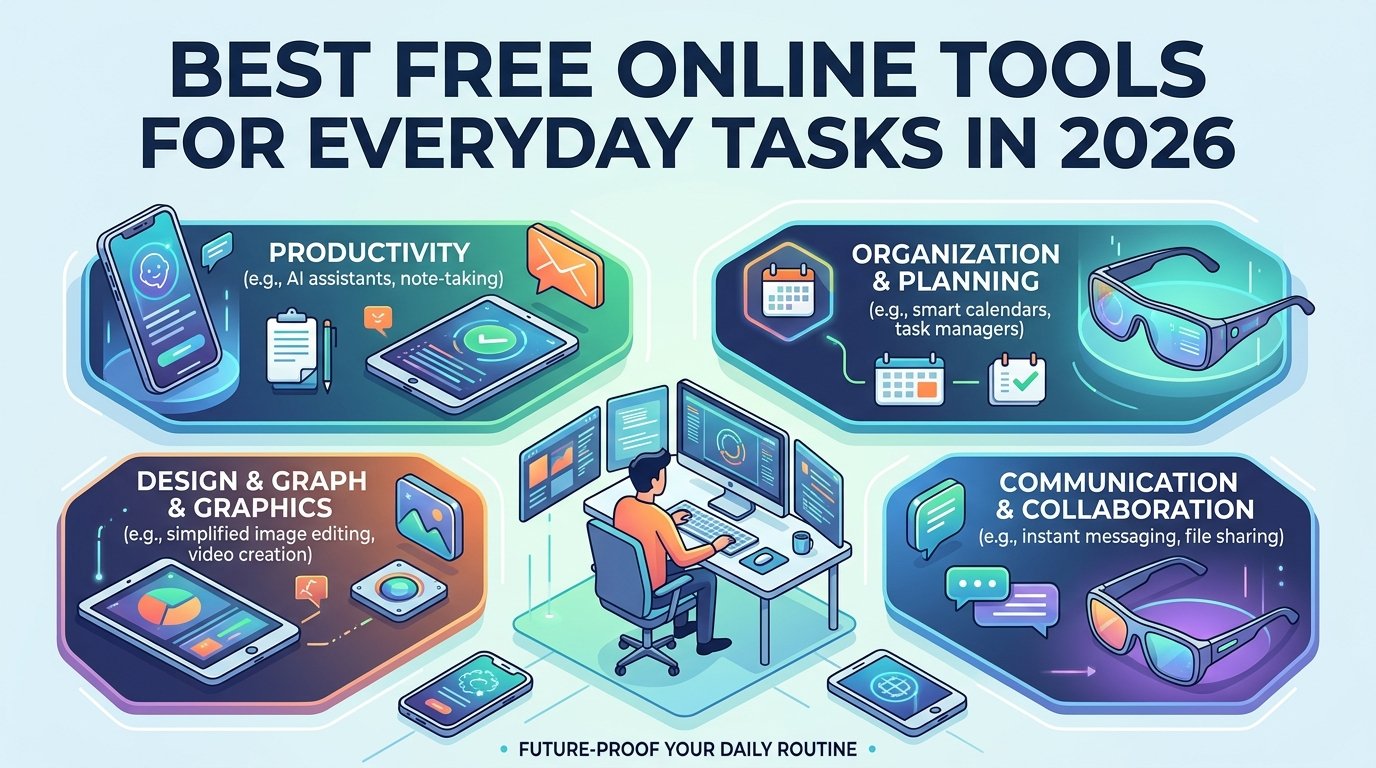
by The online space provides thousands of tools that help people do all kinds of everyday tasks. You can convert files, compress images, perform calculations, organize your schedule, and more.
The best free online tools are convenient and effective since they solve everyday tasks without requiring you to install programs on your computer. These tools are usually optimized for desktop and mobile devices, so they work well for students, entrepreneurs, and anyone who browses the web.
In this guide, we discuss various types of online tools, and we’ll give you some tips on how to choose the best utilities for your needs.
- Online File Conversion Tools
File conversion utilities are used to convert supported formats to other file types. You can convert documents, images, audio files, and other formats.
The most common operations you’ll find in online converters are DOCX to PDF conversion, JPG to PNG conversion, CSV to XLSX conversion, and more.
You can also use online converters to convert files when you receive them in a format that you can’t open on your computer.
We recommend you do a quick search to learn how long the website stores files, what encryption it utilizes, what formats it supports, and if the online converter has a reputation for being safe. Always be wary of uploading private information and documents to a website unless you’re confident it’s safe.
- Free PDF Tools
PDF tools are among the most popular online utilities because they are used in multiple areas of life. Almost all kinds of official documents, reports, applications, and other papers are saved in PDF format.
Depending on the tool, you can merge, split, rotate, compress, and edit PDF files online. Students can use free PDF tools to store their syllabi and assignments. Businesses can use them to combine reports and documents.
Some tools even allow you to add electronic signatures or perform OCR (optical character recognition) on scanned documents. However, more advanced editing usually requires you to sign up for a premium account.
Before sharing any documents with other people, make sure they don’t have any sensitive information.
- Image Compression and Resizing Tools
Compressing images reduces their file size, which is especially useful if you upload them to a website or send them as an attachment via email. Some image resizer utilities also allow you to resize an image to a specific width and height.
Bloggers, website owners, online stores, and students benefit from using image compression and resizing tools. For example, a blogger can compress images before publishing a post to make the website faster. An online store owner can resize product photos so that all pictures have the same width and height.
When looking for an online image resizer, make sure it supports all image types (JPG, PNG, WebP, etc.). If you care about quality, inspect the pictures closely since some online compressors reduce the quality of the image. You can upload a sample picture to see if the tool alters it before using it on a large scale.
- Online Calculators and Conversion Tools
Calculators are one of the most straightforward online utilities. You can use online calculators to calculate percentages, your age, loans, interest rates, scientific calculations, and more.
Some utilities change one unit of measurement into another. For instance, there are converters that switch kilometers to miles, grams to pounds, Celsius to Fahrenheit, and others.
Conversion tools are helpful in everyday life because you can use them while shopping, traveling, baking, and more.
We recommend you double-check the calculations for complex financial or mathematical operations to ensure they are correct.
- Writing and Text Formatting Utilities
These tools help you count words, characters, and lines. You can also use online utilities to change the case of the letters in a block of text. Some tools allow you to clean up text formatting so that text pasted from one application doesn’t have any odd formatting when you paste it in another application.
Text formatters are useful for bloggers and web admins since they need to write hundreds and thousands of words for their websites each year. Word counters are essential for students and writers since many educational institutions and businesses count the number of words when reviewing assignments.
While online formatters and grammatical assistants are useful, you should keep in mind that a computer program can make mistakes. If you’re a student, you may want to avoid using some online grammar assistants since they can change the meaning of your sentence. Always double-check what the tool does to make sure it hasn’t changed anything important.
- Other Productivity Tools
This category includes tools that help with scheduling, project planning, note taking, and other daily tasks. Some online tools are useful for businesses while others are ideal for students.
For example, you can use productivity tools to create a schedule for a large project, while students use it to plan study dates and track upcoming deadlines
Some online tools only offer basic features such as creating notes, setting reminders, or keeping track of upcoming tasks. More advanced tools offer collaborative features that let teams share the same document and update it in real-time.
How to Choose the Best Free Online Tools
There is no doubt that every person needs some online tools to help them perform everyday tasks. Some tools are ideal for students, while some are perfect for business professionals. However, not every tool is appropriate for every online user. You should review the following points before using any online utility.
Ease of use
Every tool should be intuitive and easy to use. The simplest tools tend to get the job done without asking for too much information. Make sure you understand what the tool does and how it works before you use it.
Privacy and security
You should double-check if the website keeps the files you upload secure. Ask yourself if the website sells your data or uses it to target you with ads. It’s always safer to keep sensitive information on your computer rather than upload it to a website unless you know it’s safe.
Supported formats
Make sure the tool supports the format you want to convert. This advice is especially relevant for file conversion tools. While many online utilities allow you to convert between most popular formats, some only support specific operations such as converting PDF to word.
Free plan restrictions
Some tools only allow you to perform a certain number of operations per day. Certain converters only allow you to reduce the size of a file if it doesn’t exceed 10 MB. Make sure you understand the limitations before relying on a tool for your daily tasks.
Compatibility
You should make sure the website works on your browser and device. A tool that has an unoptimized mobile version can be extremely difficult to use.
Are Free Online Tools Safe to Use?
There are many online tools that are perfectly safe and legitimate, but you should be aware that not every tool is safe. Never enter sensitive personal information in a tool if it asks you for it. You should also be wary of intrusive pop-up windows, unexpected pop-ups, and suspicious advertisements. Always use a trusted browser extension to protect yourself if you’re concerned about being vulnerable to online threats.
Are Free Online Tools Worth It?
Online tools are perfect for anyone who needs to edit documents, convert files, compress images, perform calculations, and more. They are free and easy to use, and usually, they are optimized for desktop computers as well as mobile devices. There are online tools for students, entrepreneurs, and even bloggers. The only thing that’s difficult is identifying which tools are legitimate and which ones are scams.
This guide covers the most popular tools you can use in 2026, and it gives you several tips on how to select the best utilities for your needs.